> ## Documentation Index
> Fetch the complete documentation index at: https://docs.heystandard.com/llms.txt
> Use this file to discover all available pages before exploring further.
# Puffin
> The scheduling assistant inside Standard Form
Puffin is the scheduling assistant inside Standard Form. It helps you understand what's going on with your schedule, share what you've built with other teams, and fix the things that are broken.
Tell Puffin what you're trying to do, in your own words, and it figures out the rest.
## Where Puffin lives
The main way to talk to Puffin is the chat panel. Click the **Puffin icon in the left sidebar** to open it.
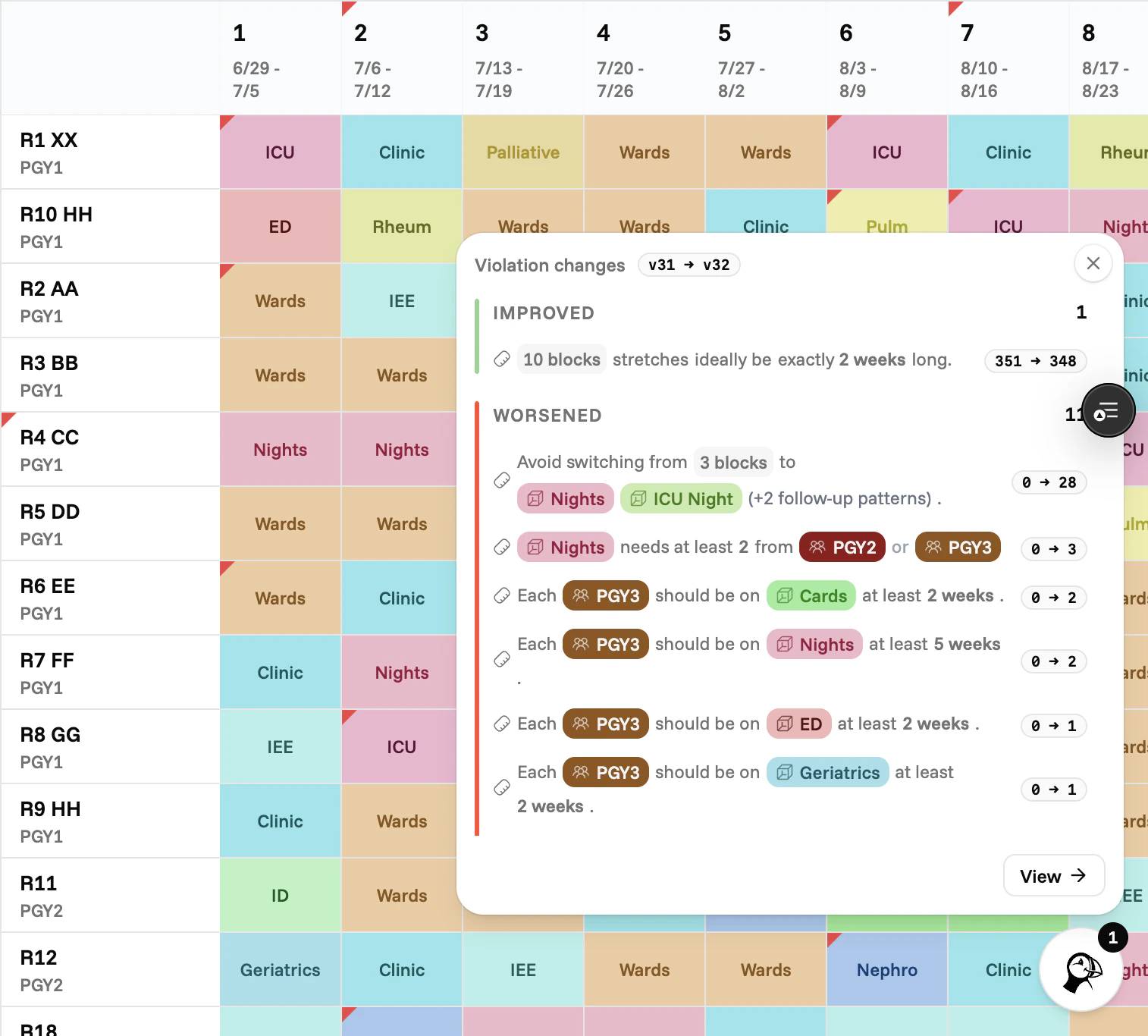
 Puffin also flags changes in the corner of your schedule. A small badge appears when alerts have changed since you last looked, so you don't miss anything.
 ## Three things Puffin is good at
Ask why someone is on a block, why a week looks short, or what changed since last version.
Ask for coverage summaries, call counts, or an alert digest you can paste into an email.
Suggest a swap or have Puffin find one. Every proposal is pre-checked against your rules.
## How to use Puffin
How to open Puffin and ask a good question.
What plan cards, comparisons, and tables mean, and how to act on them.
## What Puffin won't do
Puffin doesn't change your rules, your people, or the blocks defined in your schedule. Those stay where they are. If you need to update them, the rest of the platform is the right place. Puffin works with what's already there.
It also doesn't make changes on its own. Every change you see is a suggestion. Nothing moves until you accept it.
## Three things Puffin is good at
Ask why someone is on a block, why a week looks short, or what changed since last version.
Ask for coverage summaries, call counts, or an alert digest you can paste into an email.
Suggest a swap or have Puffin find one. Every proposal is pre-checked against your rules.
## How to use Puffin
How to open Puffin and ask a good question.
What plan cards, comparisons, and tables mean, and how to act on them.
## What Puffin won't do
Puffin doesn't change your rules, your people, or the blocks defined in your schedule. Those stay where they are. If you need to update them, the rest of the platform is the right place. Puffin works with what's already there.
It also doesn't make changes on its own. Every change you see is a suggestion. Nothing moves until you accept it.