Puffin is the scheduling assistant inside Standard Form. It helps you understand what’s going on with your schedule, share what you’ve built with other teams, and fix the things that are broken. Tell Puffin what you’re trying to do, in your own words, and it figures out the rest.

Where Puffin lives

The main way to talk to Puffin is the chat panel. Click the Puffin icon in the left sidebar to open it.
Puffin chat panel showing a plan card with proposed person and block swaps, with chips under the card marking which alerts the change would resolve
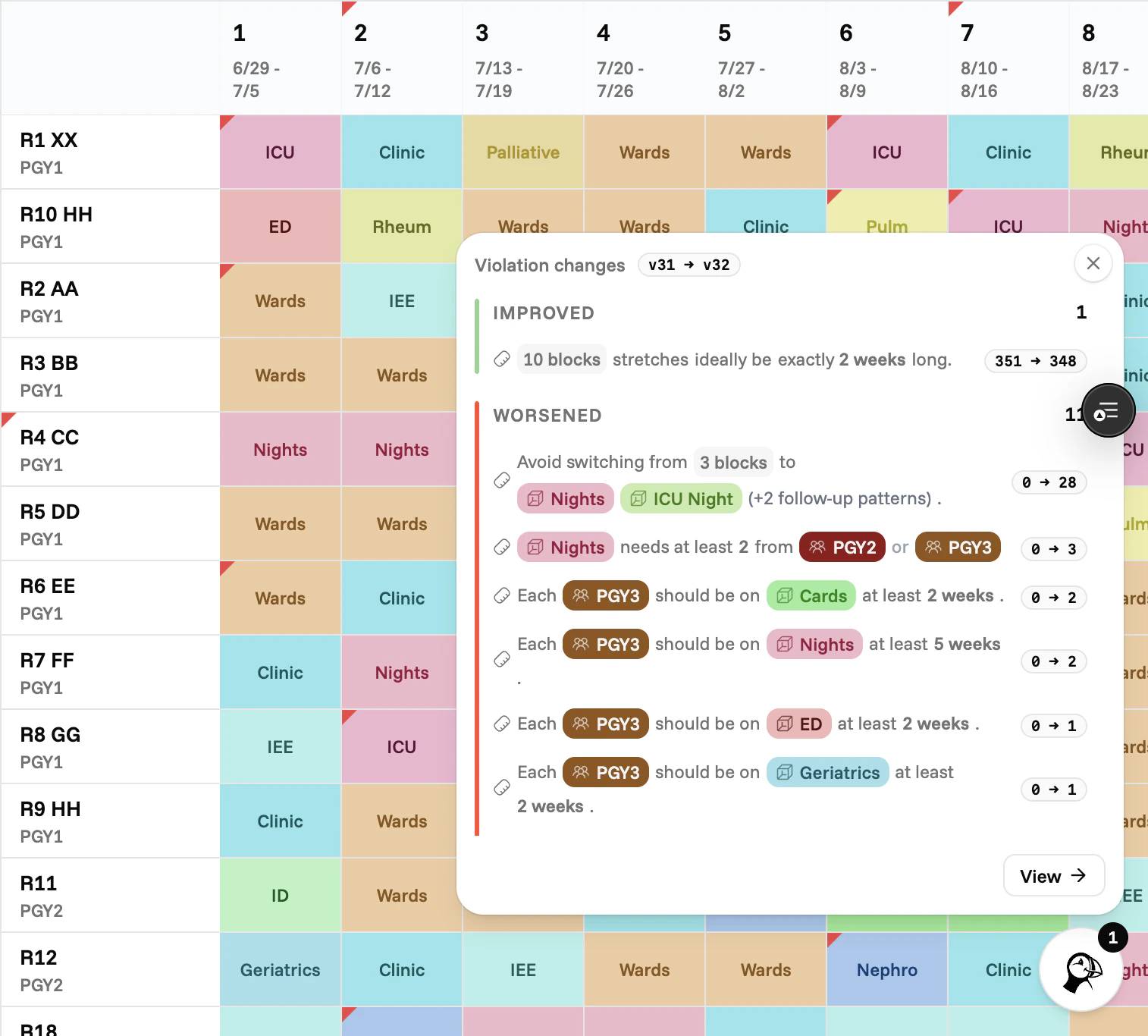
Puffin also flags changes in the corner of your schedule. A small badge appears when alerts have changed since you last looked, so you don’t miss anything.
Puffin button in the corner of the schedule grid with a small badge showing the number of new or changed alerts since the last visit

Three things Puffin is good at

Understanding the schedule

Ask why someone is on a block, why a week looks short, or what changed since last version.

Sharing with other teams

Ask for coverage summaries, call counts, or an alert digest you can paste into an email.

Making changes

Suggest a swap or have Puffin find one. Every proposal is pre-checked against your rules.

How to use Puffin

Asking Puffin

How to open Puffin and ask a good question.

Puffin's answers

What plan cards, comparisons, and tables mean, and how to act on them.

What Puffin won’t do

Puffin doesn’t change your rules, your people, or the blocks defined in your schedule. Those stay where they are. If you need to update them, the rest of the platform is the right place. Puffin works with what’s already there. It also doesn’t make changes on its own. Every change you see is a suggestion. Nothing moves until you accept it.